Press Kit
Click2Track press kit: facts, screenshots, and contact.
What is Click2Track, and which facts can I use in coverage?
Click2Track is a fuel-record app from Maavu Technologies for iPhone and iPad. Drivers can enter fill-ups manually or review drafts from receipt and odometer photos, track efficiency and spending, and import or export CSV history. The Canadian App Store lists version 1.2 as of October 2026. Use the downloadable icon, screenshots, dated prices, and source links below; contact press@click2track.app for coverage questions.
First recorded: · Updated:
Fact sheet
- App name
- Click2Track
- Platform
- iPhone / iPad — iOS / iPadOS 26.4+
- Category
- Automotive / Productivity
- Release state
- Available on the App Store
- Monetization
- Subscription required after included entries or an eligible trial; confirm the offer in the app.
- Founder
- Nitin Alabur
- Last updated
- October 20, 2026
Facts and prices as of October 2026
| Storefront | Pro Weekly | Pro Yearly |
|---|---|---|
| United States (USD) | $4.99 / week | $79.99 / year |
| Canada (CAD) | $6.99 / week | $99.99 / year |
Included entries and trial offers depend on eligibility. The in-app purchase screen shows your available offer and renewal terms.
Prices are from the US and Canadian App Store listings checked October 20, 2026. Your storefront, eligibility, taxes, and displayed offer may differ. App Store (US) · App Store (Canada)
- Released version
- 1.2
- Devices
- iPhone and iPad; iOS / iPadOS 26.4 or later
- Fuel efficiency
- MPG, km/L, L/100 km
- History
- CSV import and export; backup and restore
- Photo processing
- Internet required for extraction; review and edit before saving
Descriptions
Short
Click2Track is an iOS-first fuel tracker designed to turn receipt and odometer photos into reviewable fill-up entries quickly, with a text-only processing option that keeps photos on-device.
Long
Click2Track helps individual vehicle owners log fuel entries quickly without sacrificing accuracy. Users take receipt and odometer photos, then verify extracted values before saving. They can choose text-only processing, which runs OCR on-device and sends only extracted text while the photos stay on the device, or choose image processing to send selected photos for extraction. Accessibility and localization support is native, including Dark Mode, Dynamic Text, VoiceOver, and multiple locales. Efficiency is tracked in km/L, L/100km, and mpg with clear deltas between fill-ups.
Features
- Receipt + odometer capture from camera or photo library.
- Photo-assisted extraction with editable values before saving.
- Automatic efficiency calculations and trend deltas per vehicle.
- Focused iOS experience for single-user daily logging.
- Optional text-only processing keeps photos on-device and sends only locally extracted text; image processing sends selected photos when chosen.
- Privacy-limited diagnostics exclude automatic screen views, element interactions, session replay, screenshots, and default personal information.
- Native support for Dark Mode, Dynamic Text, and VoiceOver.
- Localized UI across supported locales: English (US/CA), Spanish (US), French (CA), and Simplified Chinese.
Media Assets
Icons
Screenshots
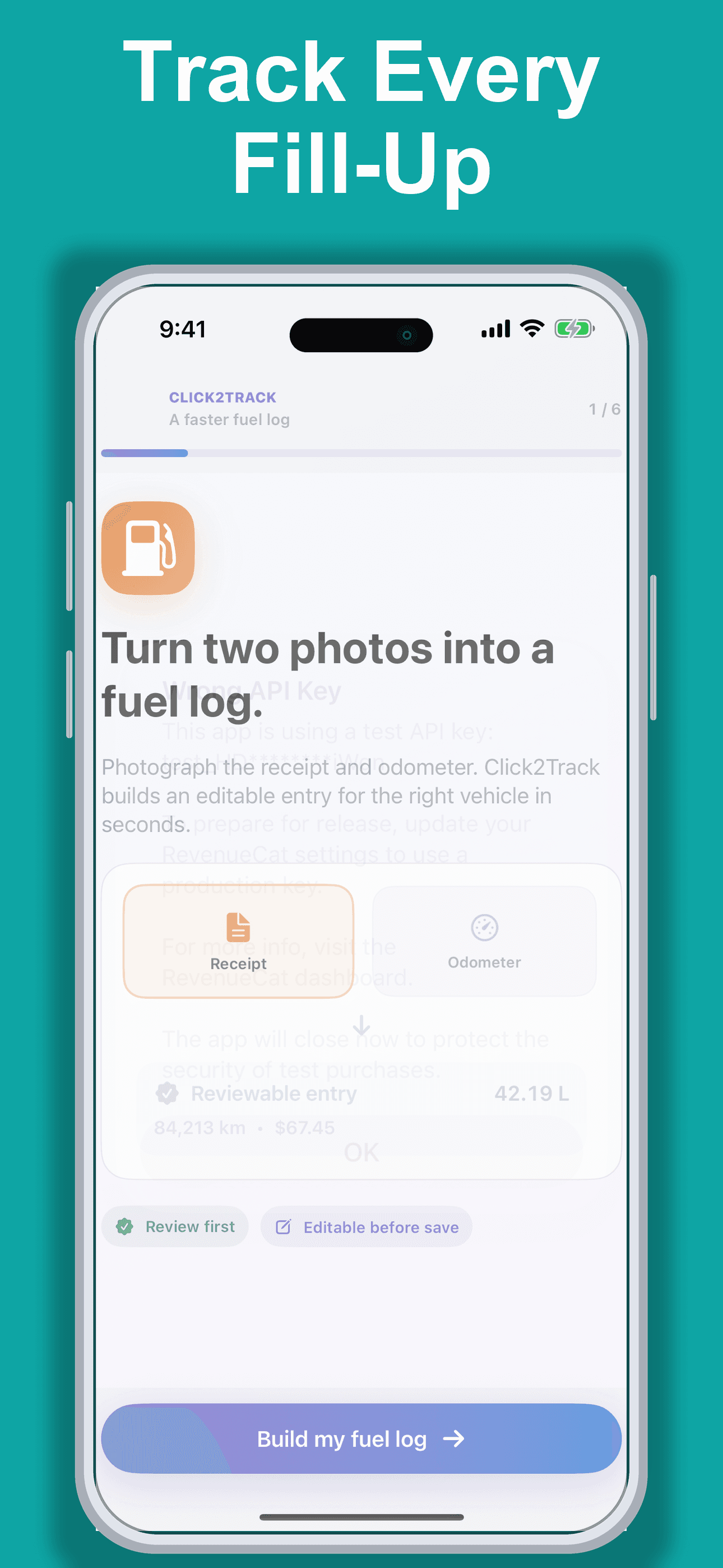
Add photos from the camera or library to prepare a fuel record.
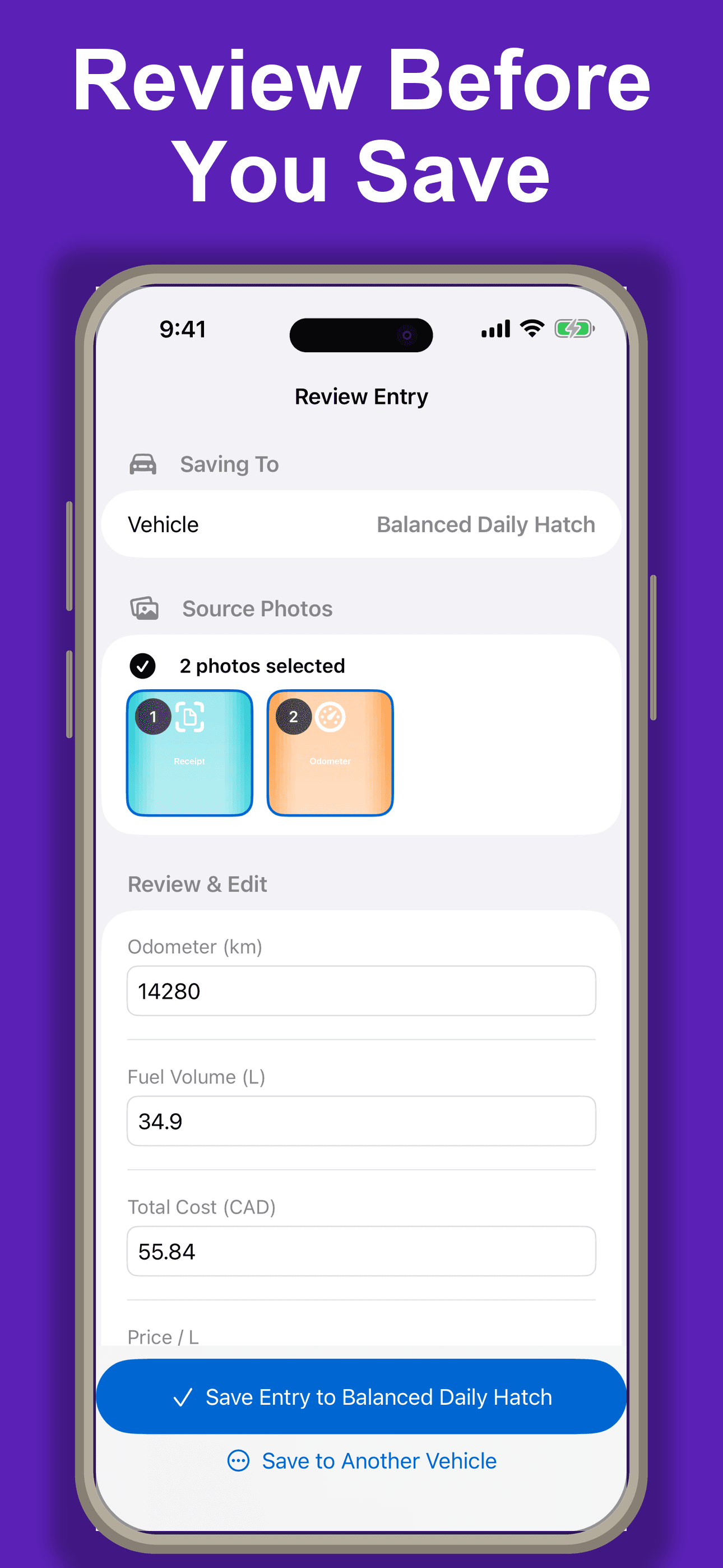
Check the extracted values, correct mistakes, and choose the vehicle before saving.
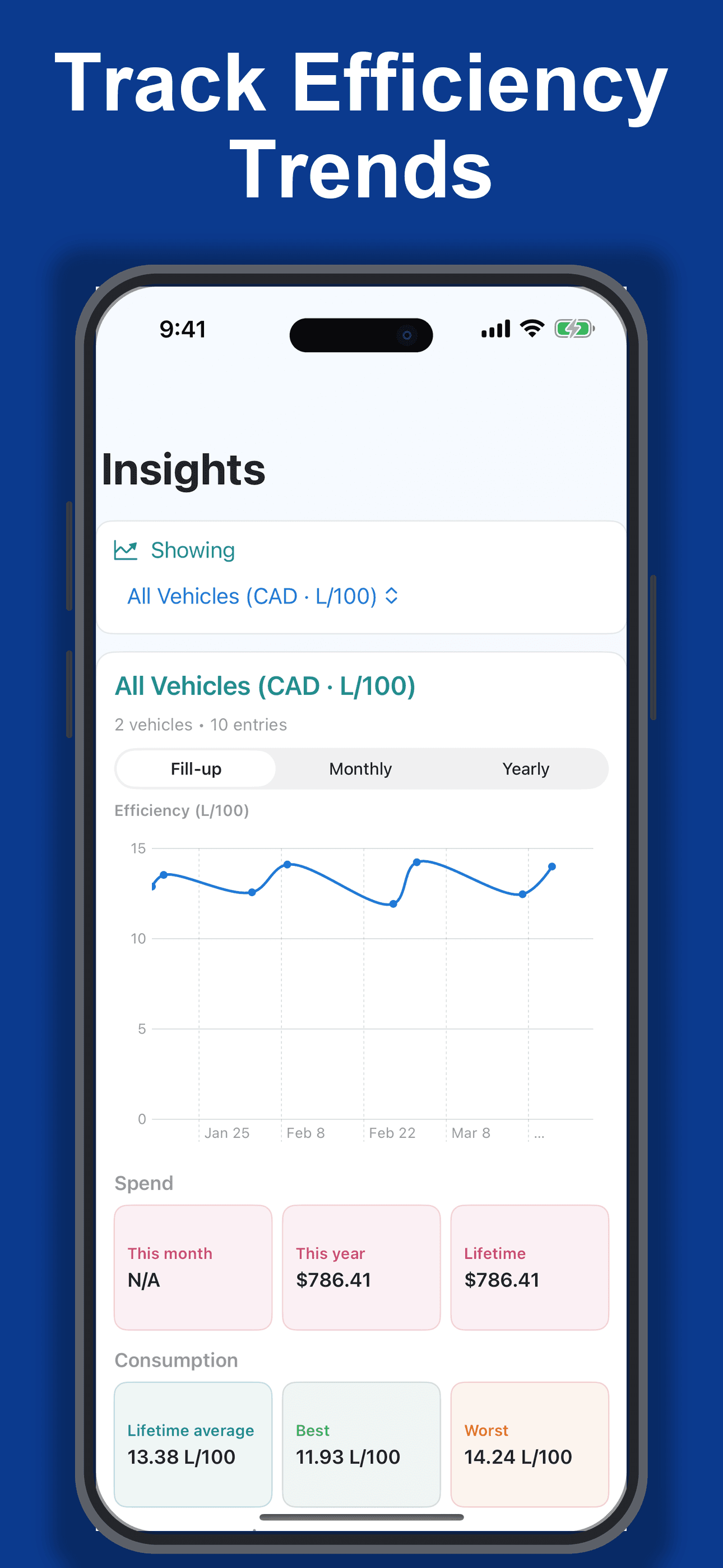
Compare fuel efficiency and spending over time. The chart is illustrative sample data.
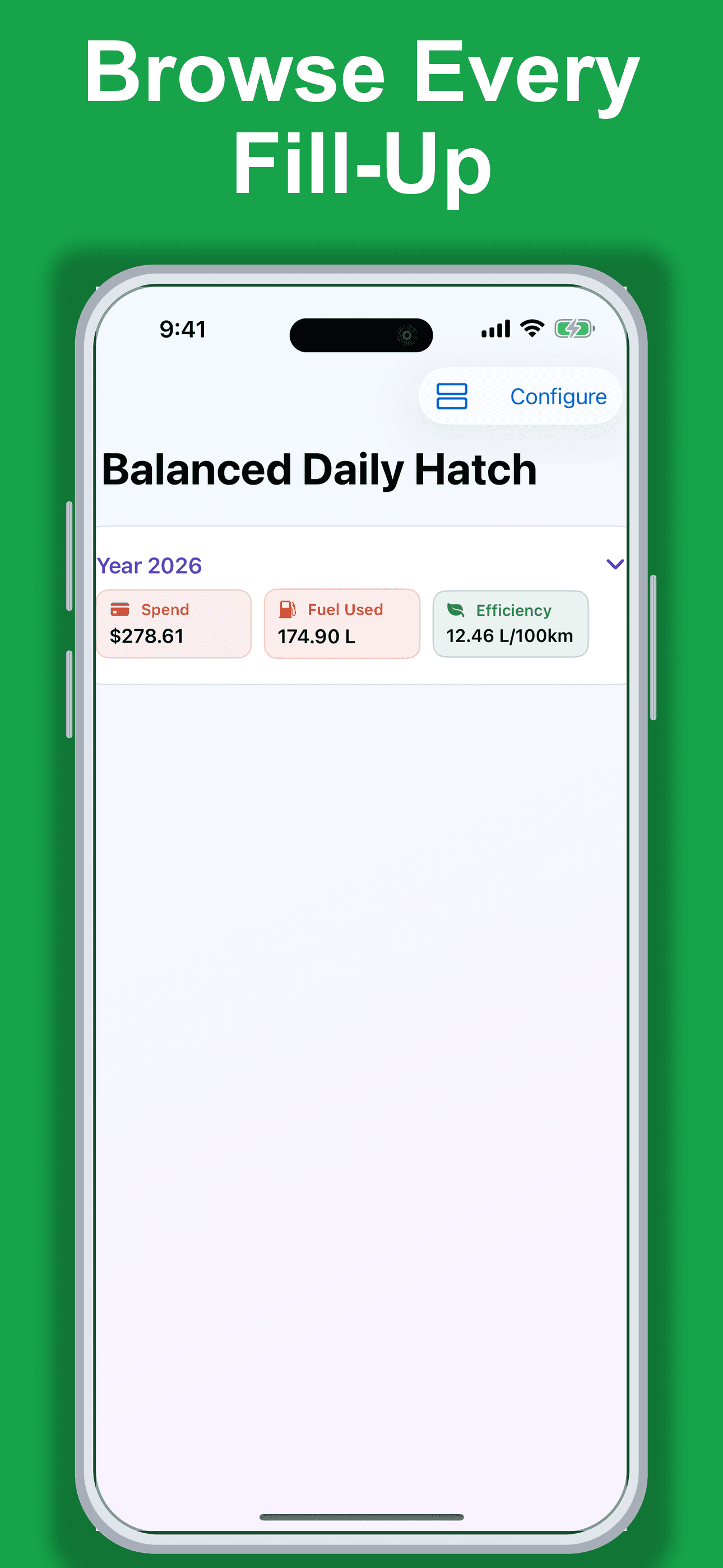
Keep each vehicle’s fuel records together. The displayed amounts are examples, not measured customer savings.
Founder and Contact
Click2Track is built by Nitin Alabur. For media, interviews, or product questions, email:
- Press: press@click2track.app
- Support: support@click2track.app